

Welcome to Loyola
Access Your Loyola Accounts
Log into important online platforms.
Get started by setting up your Loyola email and access the Loyola network, known as the Single Sign On (SSO) portal. Check your email for step-by-step instructions to access your Loyola accounts, including instructions for free access to Microsoft Office 365. You’ll use your Microsoft login for access to SSO, LORA Self-Service where you will register for classes, and most other online accounts at Loyola. Find more tips on this page. Contact the IT Help Desk with any technology-related questions by calling 504.865.2255 or emailing support@loyno.edu using your Loyno email address.
Once you're logged into your Gmail account, you can change your name by following these instructions.
Work with Your Advisor
Get ready for your first semester schedule.
The Academic Advising and Involvement Interest Survey has closed. Your summer advisor will reach out to you in the next couple of weeks with some questions to help build your draft schedule. In the meantime, you can review this page for information about advising and to find your advisor's contact information.
Submit Your ID Photo
Upload your headshot for your ID card.
Log into your Admissions Status Portal and upload your headshot in the "Upload Materials" section. Be sure to select "ID Photo" from the dropdown menu. We will use your photo to make your Loyola ID, which you will receive when you arrive on campus. Please submit your photo by July 1, 2026 for processing.
Photo Criteria
- Photos should reflect your current appearance—no sunglasses, hats, or head coverings (unless worn for religious purposes)
- Stand in front of a plain, light colored background and use a neutral face expression with both eyes open
- Place camera directly in front you: full face and shoulder tops should be visible
- Clear, color images that are oriented upright only with a high resolution JPEG format (most cell phone cameras can provide this)
- Photos taken of your driver's license, current school ID, passport or that feature another person in them will not be accepted
Complete Your Health Requirements
Submit your immunization records and check your health insurance.
All students are required by Louisiana law to submit immunization records. The deadline to submit Immunization records or requests for exemption is August 8, 2026. Loyola has partnered with Med+Proctor to make the process to submit your immunizations as easy and user-friendly as possible. Follow the instructions on Loyola’s immunization website page to submit proof of immunization. For questions about your immunization requirements, please email immunization@loyno.edu.
All full-time undergraduate students are automatically enrolled in Loyola’s student health insurance plan. You are required to use Loyola’s plan unless you can provide proof of comparable, existing coverage for the academic year. We will send more details about your health plan over the summer, including instruction for how to waive coverage if you are eligible.
Add an Emergency Contact and Complete Your Registration Agreement
Complete this step no later than August 18.
You are required to add your Emergency Contact information and complete the Registration Agreement in LORA Self-Service. Students who fail to submit an emergency contact/registration agreement before the start of the semester may risk being dropped from their courses. Follow these steps:
- Log into LORA Self-Service and find the “User Options” dropdown in the menu.
- Select “Emergency Contacts” from the dropdown and you’ll have the option to “Add a New Contact” or “Edit” your existing emergency contacts.
- To add a new emergency contact, add the person’s name, relationship, phone number(s), and address. Check the “Emergency Contact” and “Missing Person Contact” checkboxes at the bottom as appropriate.
- Go back to the “User Options” dropdown and select the option that says, “Required Agreements” and click on the agreement form to complete it.
New Student Programs
Start your LOYNO experience with these engaging events and programs.

Wolf Pack Ready
Register to attend an optional early access event this summer with your family. You'll meet other new students, get a glimpse of academic and campus life at Loyola, and experience New Orleans culture and traditions.

Online Orientation & Virtual Events
All first-year students are required to complete online orientation before classes start. We also host many optional virtual events over the summer to help you stay engaged!

Wolf Pack Welcome
The fall semester kicks off with Wolf Pack Welcome, our mandatory orientation program designed to prepare the newest members of the Pack for the transition to life at Loyola.
Parent Events & Resources
Caregivers of new students have many opportunities to engage wit the Wolf Pack community.
The Welcome Pack Email Newsletter
Preparing for your first year of college takes careful planning and organization. We want to make it as seamless and engaging as possible for you. Keep an eye out for The Welcome Pack email newsletter featuring important information and resources to help you prepare for your first year at Loyola University New Orleans. We will send this newsletter to all admitted first-year students via email starting in May and will continue through the start of your first semester as you get settled into college life. Some of the topics we will cover include:
- Residential life and housing
- Our Jesuit values
- Online orientation
- Loyola traditions
- Tuition and billing
- Student life and campus events
- Student health and counseling
- Getting around New Orleans
- Much more!
Parents/Guardians: If you'd like to receive our weekly newsletter as well, you can email admit@loyno.edu to get added to our subscriber list.
Email Schedule for Fall 2026 Students
Here are the topics we will cover each week in your inbox. You can view an archive of the emails here once we send them out.
|
May 4 |
Residential Life and HousingSubject: Guide to Res Life and Housing 🔑 Get ready for life on campus with helpful reminders about housing deadlines, roommate selection, themed living communities, what to pack, move-in expectations, housing accommodations, exemption requests, and a few important to-do list items before August. |
|
May 13 |
Introducing The Welcome PackSubject: Welcome to the Wolf Pack 🎉 Welcome to The Welcome Pack! This email gives students a look at what to expect over the summer and walks through first steps like setting up Loyola email and SSO access, submitting an ID photo, completing financial planning items, adding an emergency contact, completing the registration agreement, and signing up for Wolf Pack Ready. |
|
May 18 |
Summer Virtual Programming Invite to StudentsSubject: You’re Invited: Virtual Programming This Summer Students and their parents or caregivers are invited to join summer virtual programs designed to help them feel more prepared for the transition to Loyola. This email highlights sessions focused on whole-student support, academic college introductions, and Federal Work Study, along with dates, Zoom details, and contact information. |
|
May 20 |
Jesuit ValuesSubject: Living the Magis: Jesuit Values at Loyola ✨ Get to know the Jesuit values at the heart of the Loyola community, from linking faith with justice to educating the whole person and learning from experience. This email also covers optional Krewe Chats (June 1–5), Wolf Pack Ready sessions on June 23 and July 14, and to-do items like setting up your SSO and submitting your ID photo by July 1. |
|
May 27 |
TraditionsSubject: Get in the Loyola Spirit: Campus Traditions 🐺 Discover the traditions that bond the Loyola community together, from Wolf Pack Wednesday and Class Beads to the Mass of the Holy Spirit, Awakening Retreat, Third Friday, and Sneaux. This email also highlights ways to get involved through service organizations like Wolves on the Prowl and LUCAP, plus reminders about Wolf Pack Ready and your to-do list. |
|
June 3 |
Online OrientationSubject: Complete Your Online Orientation 💻 Learn how to complete your required online orientation modules (due August 12) covering safety, student life, health, and academics, plus the mandatory VectorSolutions student conduct training (due September 11). This email also details Wolf Pack Welcome (August 13–16), optional Krewe Chats, and a Care for the Whole Student panel discussion. |
|
June 17 |
LanguagesSubject: Explore Languages & Study Abroad 🌍 Explore language requirements and placement exams for French, Spanish, Latin, Greek, German, and Italian, along with study abroad opportunities to learn a language immersively. This email also includes reminders about the Federal Work Study info sessions on June 22 and 25 and your ongoing to-do list. |
|
June 24 |
Student Health ServicesSubject: Your Guide to Health & Wellness 🩺 Get an overview of Student Health Services and the University Counseling Center, mandatory student health insurance (waiver deadline September 4), and required immunization submissions (due August 7). This email also shares Meet the Dean virtual town halls for each academic college and info on parent programming at Wolf Pack Welcome. |
|
July 1 |
Dining ServicesSubject: What's Cookin' on Campus 🍽️ Explore campus dining options, mobile ordering, and required meal plans, plus how to reach out with meal plan questions. This email also introduces the dining hall dietitian, Iggy's Cupboard food pantry, and a reminder about the Care for the Whole Student panel on July 29. |
|
July 8 |
Bursar OfficeSubject: Manage Your Tuition Account 💳 Learn how to view and pay your tuition e-bill, set up a payment plan, add an authorized user, and set up your refund profile ahead of the August 1 fall payment deadline. This email also covers mandatory student health insurance, Scholarship Universe, and the Wolf Deck mobile app. |
|
July 15 |
Student Success CenterSubject: Meet the Student Success Center 🎓 Meet the Pan-American Life Student Success Center and its resources, including Academic Advising and Success Coaching, the Career Development Center, OWLS tutoring, Accessible Education, and TRIO-Student Support Services. This email also covers First-Year Seminars and reminders about Krewe Chats and the Care for the Whole Student panel. |
|
July 22 |
Parking Services and BookstoreSubject: Get Your Parking Permit & Textbooks 🚗 Get step-by-step instructions for ordering your parking permit and registering your bicycle with LUPD, plus how to order textbooks through the Loyola Bookstore. This email also includes a welcome discount code for LOYNO apparel and reminders about Krewe Chats and the Care for the Whole Student panel. |

Make It Official
You're part of the Wolf Pack—it's time to howl all about it! You can shop for your official LOYNO apparel and gear from the Loyola University Bookstore online. Show off your maroon and gold spirit to your family and friends.
Get in the Know at LOYNO
Student Mass
All are invited (Catholic or not) to this Catholic Mass celebrated w…
Read MoreMass and Bible Study Lunch
All are invited to Mass at 12:30pm (optional) and Catholic Bible Stu…
Read MoreCatholic Student Community Night
All Catholic and Catholic-curious students are invited to attend for…
Read MoreHospitality Night with Resident Minister Ken Weber
All students are invited to join Resident Minister Ken Weber for hom…
Read MoreHospitality with Resident Minister Judy ...
6:30 pm Wednesdays, ALL students invited to join Judy for conversati…
Read More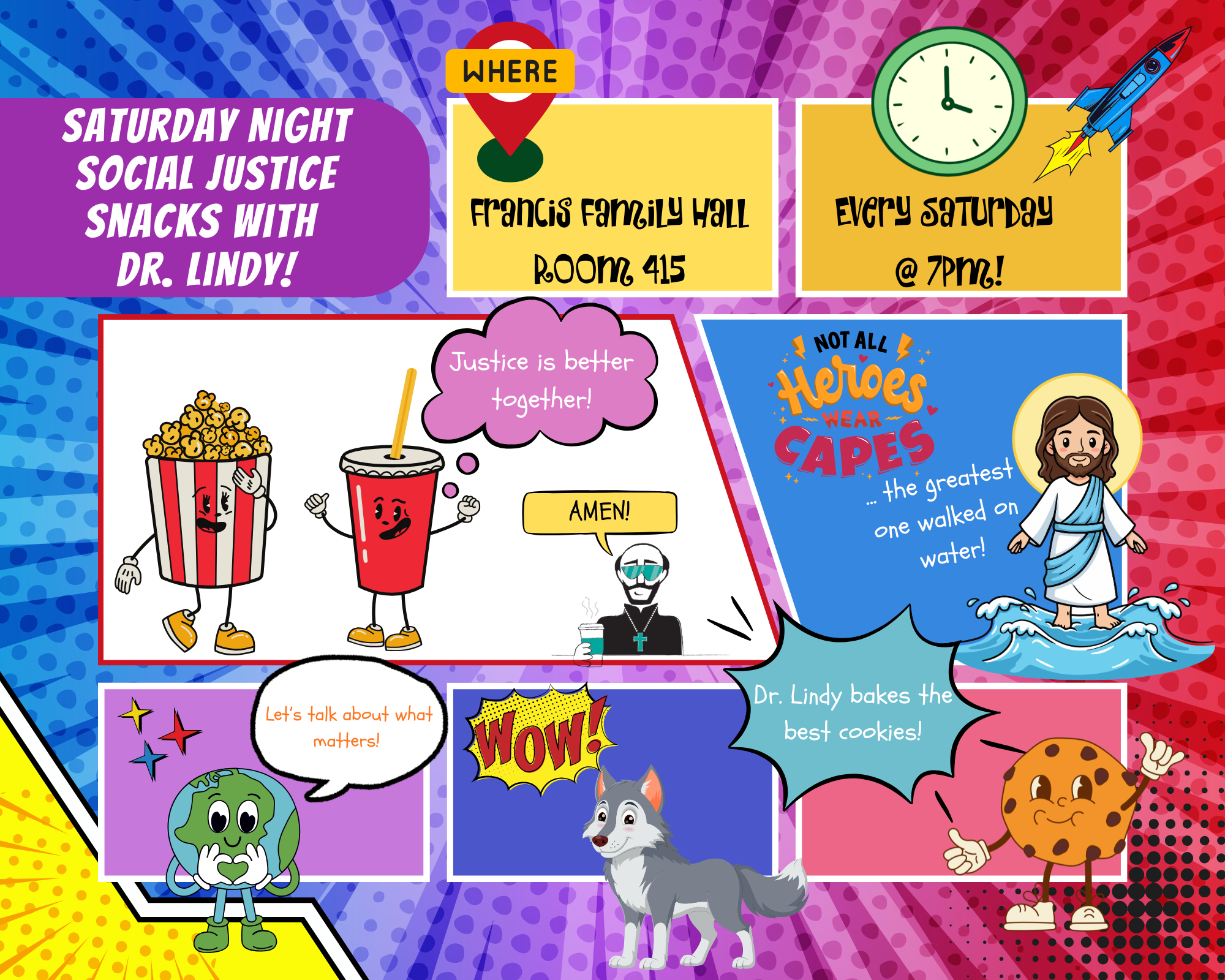
Saturday Night Social Justice Snacks wit...
Saturday Night Social Justice Snacks with Dr. Lindy! 🍿🍪🌍 Looking …
Read More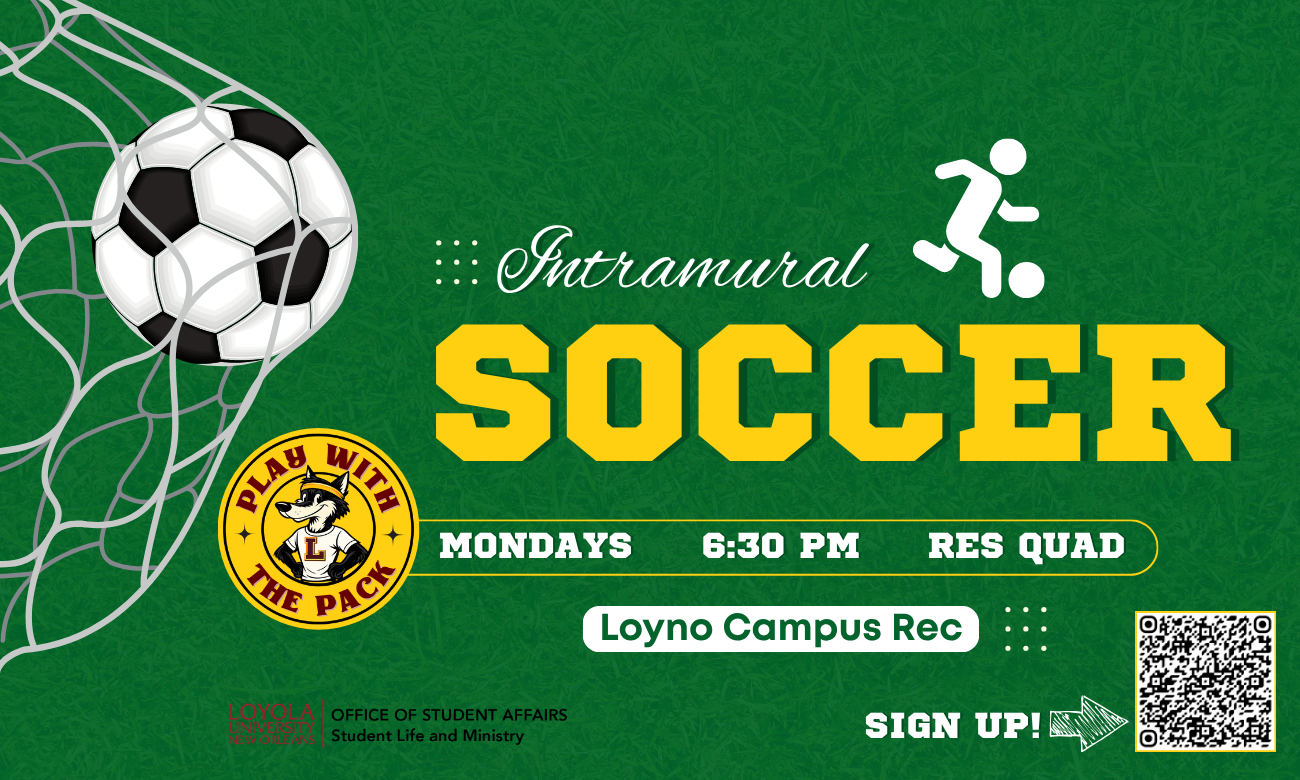
Intramural Soccer
Join Campus Rec in the Res Quad for Intramural Soccer every Monday! …
Read More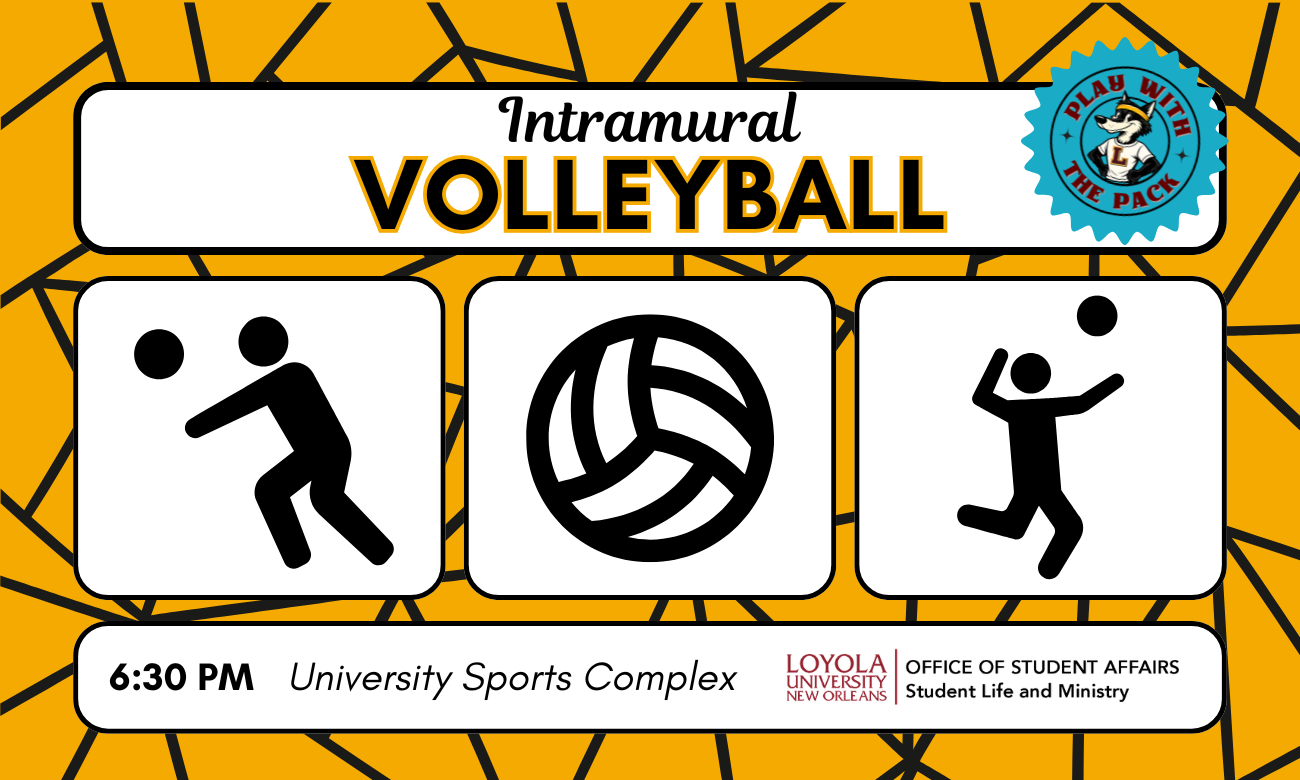
Intramural Volleyball
Join Campus Rec on Tuesdays this semester for Intramural Volleyball …
Read More
Intramural Basketball
Join Campus Rec on Wednesdays this semester for Intramural Basketbal…
Read MoreFriday Fellowship with Negina
Please join me every Friday Fellowship for sweet treat
Read More
Student Success Wednesdays Zoom Walk-Ins
Student Success will have Zoom Walk-Ins every Wednesday from 3:00 pm…
Read More
Info Sessions: RMIT University Vietnam
Discover Vietnam through an exchange program with RMIT University!&n…
Read More
ALIEN STATUS: by James Bartelle
ALIEN STATUS by James Bartelle Directed by Cuba Hatheway Ex…
Read More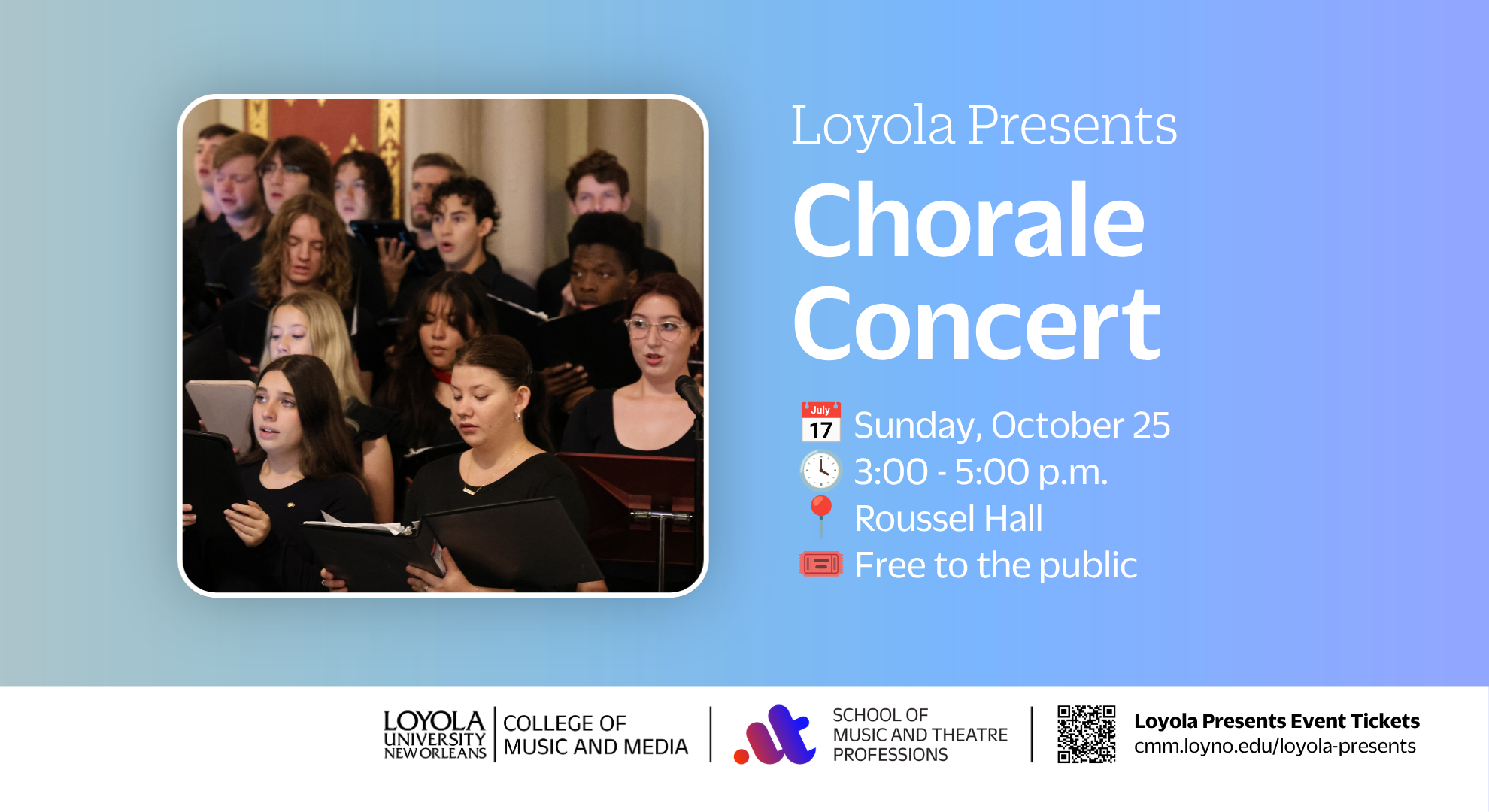
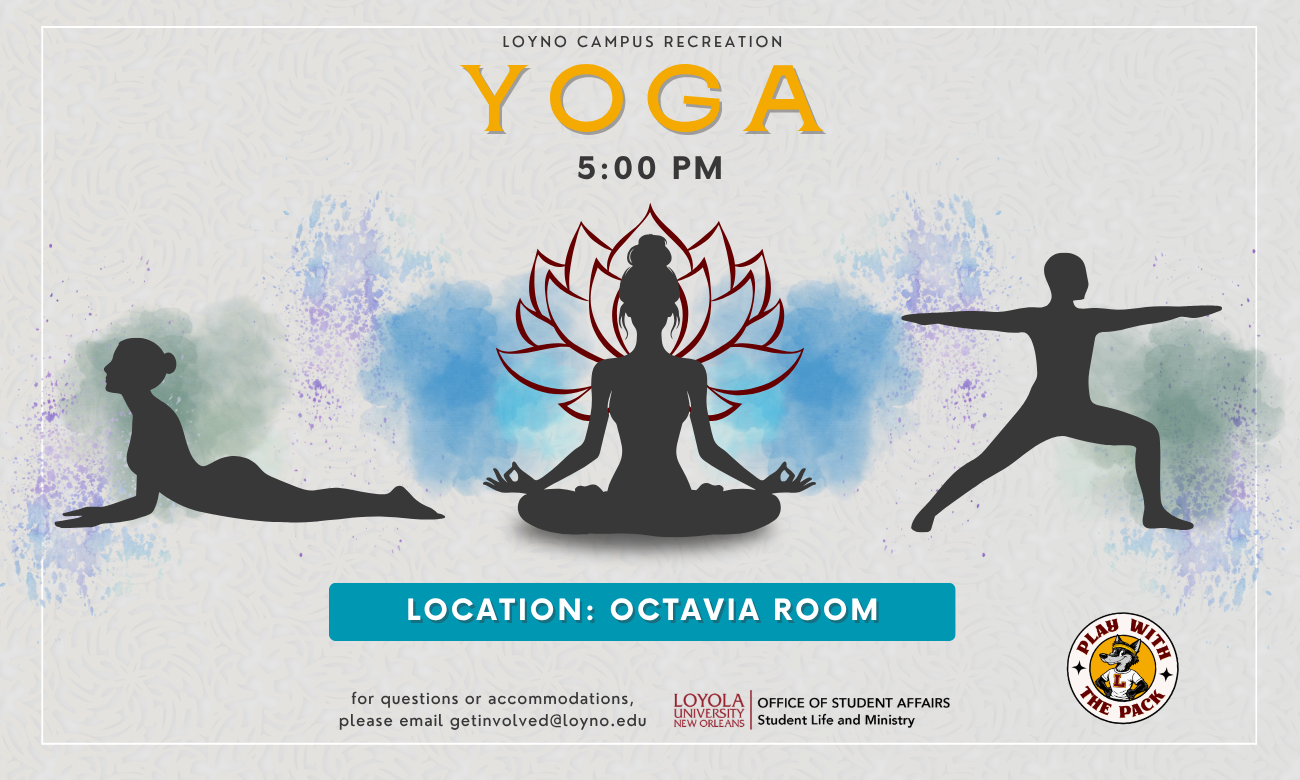
Yoga w/Campus Rec
Join Campus Rec for a Yoga class in the Octavia Room. All levels are…
Read More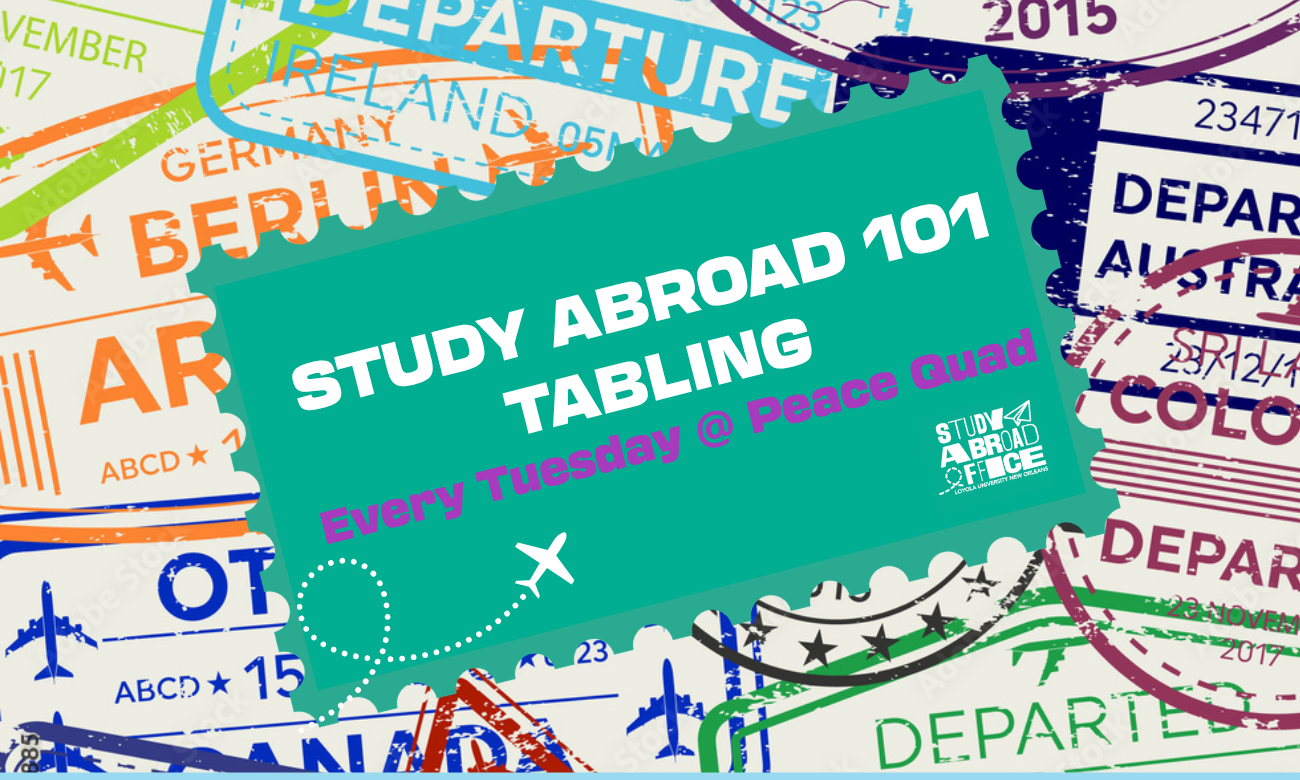
Study Abroad 101 - Tuesday Tabling
Learn about study abroad opportunities at Loyola every Tuesday in th…
Read MoreTake Back the Night
join us as we come together to stand with survivors of sexual assaul…
Read More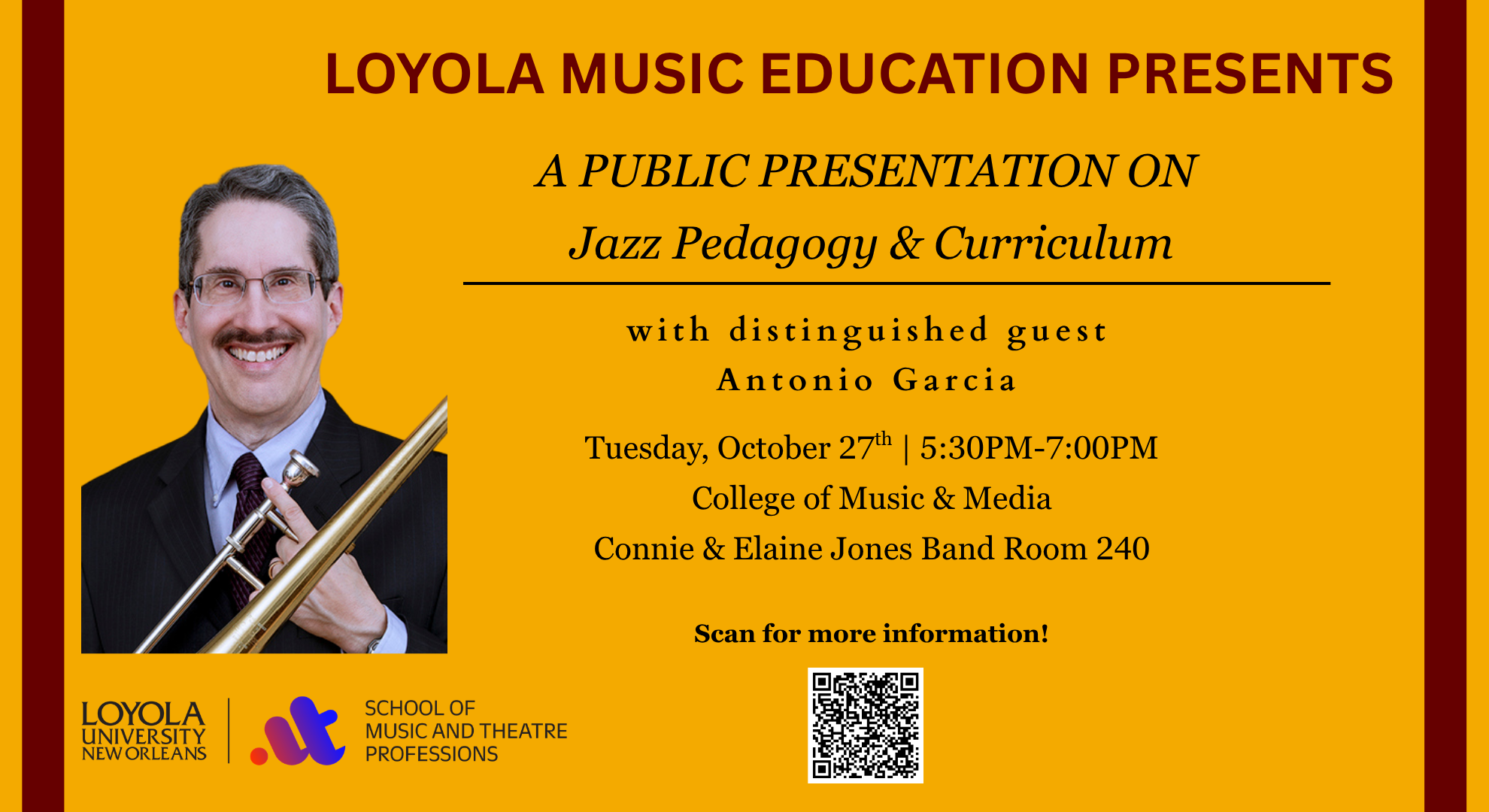
Jazz Pedagogy & Curriculum Workshop Pres...
Antonio J. García is Professor Emeritus and former Director of Jazz …
Read More
2026 Brendan Brown Lecture
Loyola University New Orleans College of Law's 2026 Brendan Brown Le…
Read More
Slice and Dice
Take a break from the busy school week with pizza, board games, and …
Read More
Slice and Dice
Take a break from the busy school week with pizza, board games, and …
Read More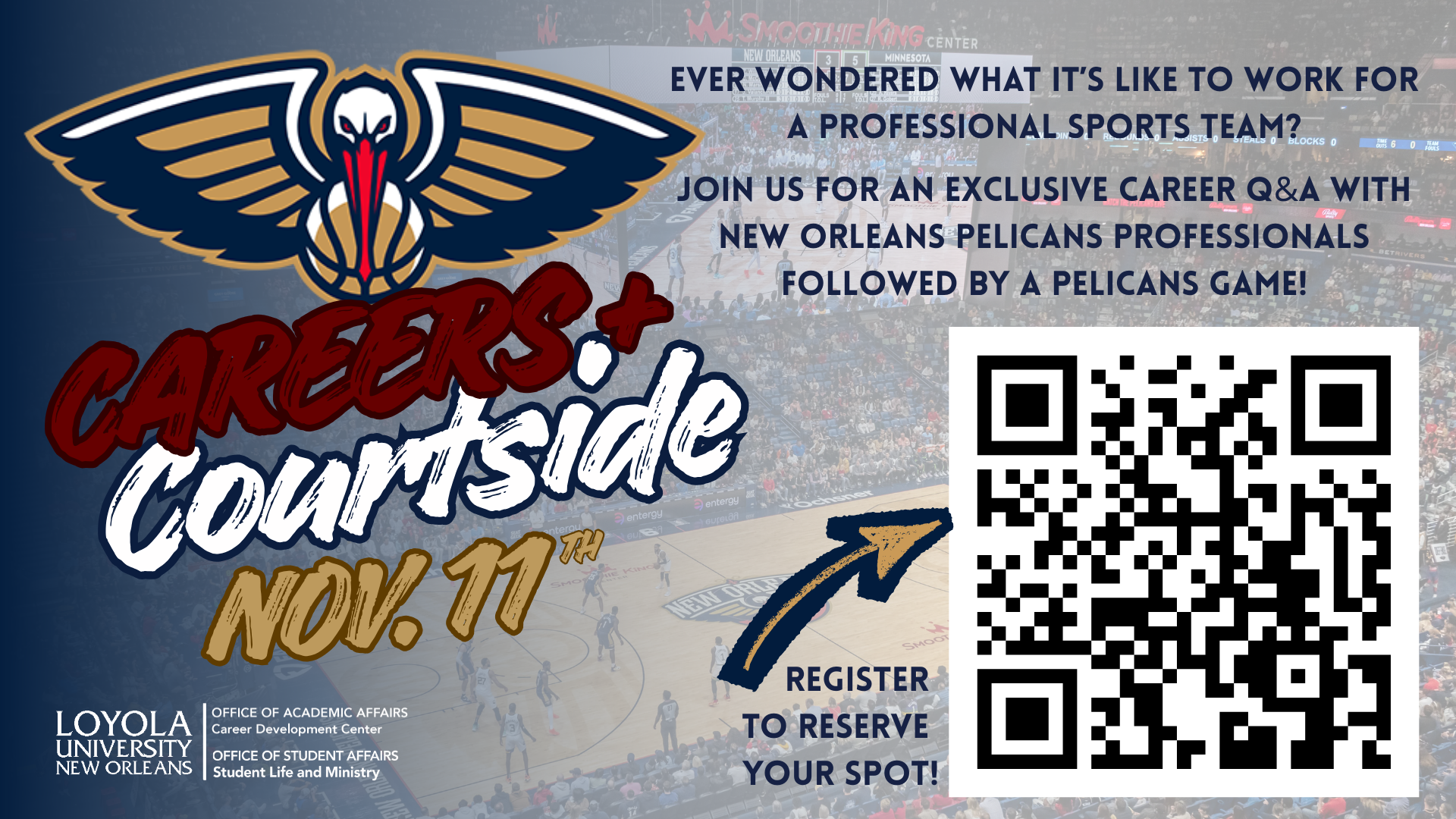
Careers + Courtside
Loyola Night with the New Orleans Pelicans Go behind th…
Read More
Slice and Dice
Take a break from the busy school week with pizza, board games, and …
Read More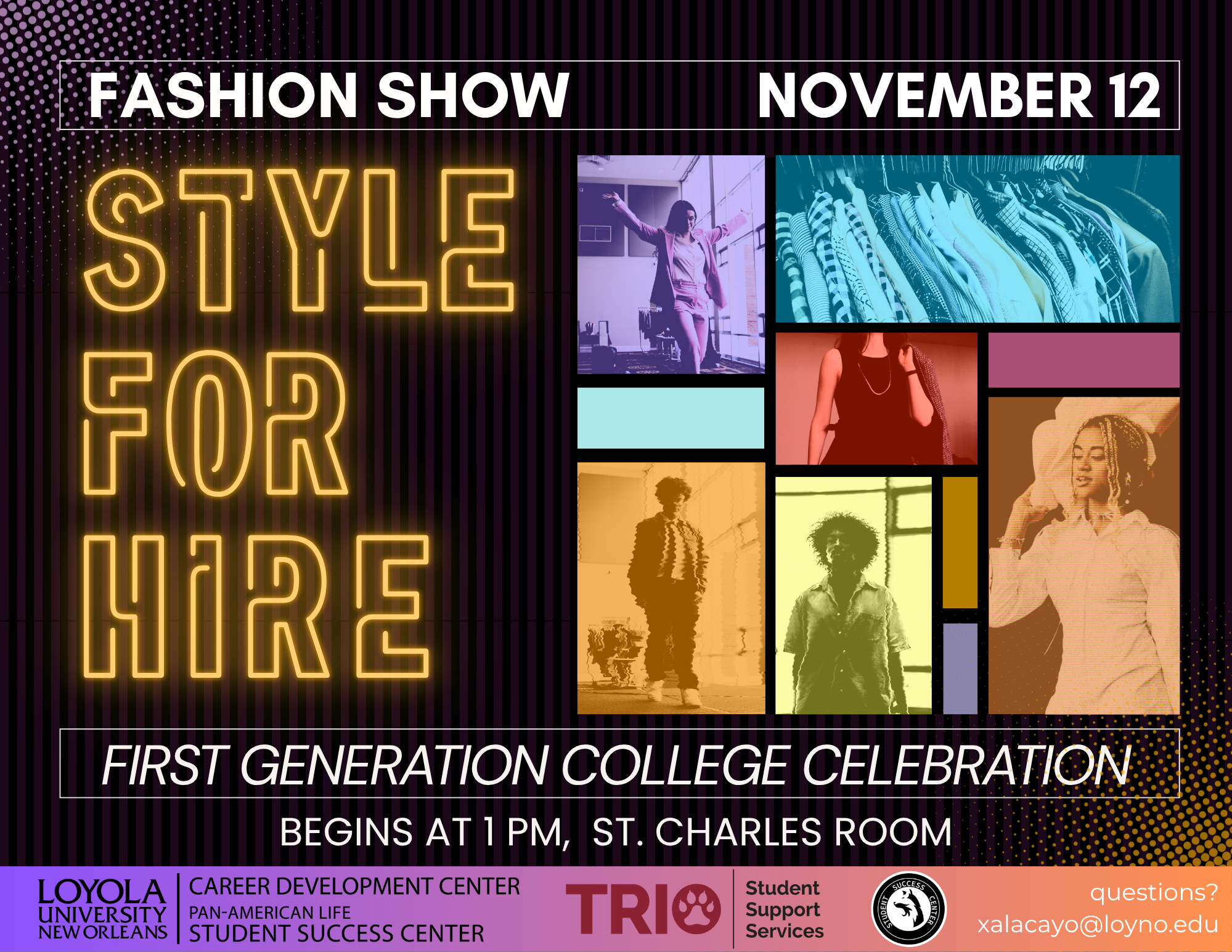
Style for Hire: A Professional Fashion Show
Dress for success. Express your style. Own your future. Join the …
Read More
International Education Week 2026
The Center for International Education will be celebrating Internati…
Read More
CIE Culture Cup: India!
Join CIE for a CUP OF CULTURE! The Culture Cup is an international a…
Read More
Slice and Dice
Take a break from the busy school week with pizza, board games, and …
Read More
Slice and Dice
Take a break from the busy school week with pizza, board games, and …
Read More
Slice and Dice
Take a break from the busy school week with pizza, board games, and …
Read MoreSenior Salute
Enjoy dancing the night away with FREE food celebrating YOU and your…
Read More
Loyno Family Portal
Learn more about Loyola and join communities that are important to you and your student. Personalize information that caters to you and your student's interests, and interact with other families going through the college search process.